

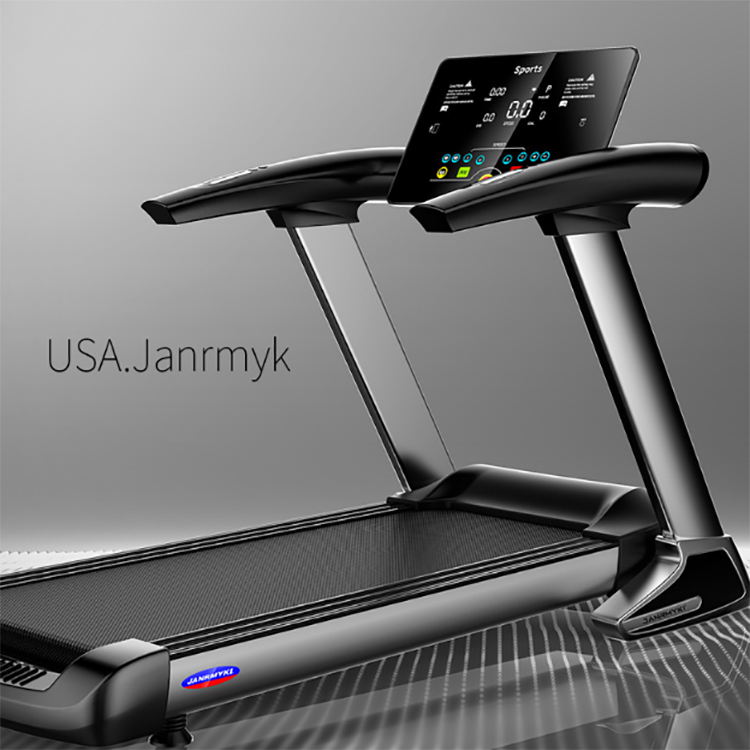
The control panel of a treadmill is the core part for users to interact with the device, directly affecting the user experience and the lifespan of the equipment. However, due to frequent contact with sweat, dust and grease, the control panel is prone to accumulate dirt, causing the keys to malfunction or the display to be blurry. The correct cleaning method can not only enhance operational sensitivity but also extend the service life of electronic components. This article will provide a detailed introduction on how to safely and efficiently clean the control panel of a treadmill to ensure its long-term stable operation.
1.Why is the cleaning of the control panel so crucial?
The control panel of a treadmill integrates a display screen, buttons and electronic components. When exposed to sweat, dust and air humidity during exercise for a long time, the following problems are prone to occur:
• Sluggish or malfunctioning key response (accumulation of dirt affects circuit contact)
The display screen is blurry or has spots (dust or grease erodes the glass surface)
• Electronic components short-circuited due to moisture (internal corrosion caused by improper cleaning)
Regular cleaning of the control panel not only enhances the user experience but also reduces the equipment failure rate, ensuring the long-term stable operation of the treadmill.
2. Preparations before cleaning
Before starting the cleaning, make sure to take the following safety measures:
✅ Disconnect power: Unplug the power plug of the treadmill or turn off the power switch to avoid the risk of electric shock.
✅ wait for cooling: If you have just used the treadmill, let the control panel cool for a few minutes to prevent high temperatures from damaging the cleaning tools.
✅ prepare appropriate cleaning tools:
• Soft microfiber cloth (to avoid scratching the screen or buttons)
• Cotton swabs or soft-bristled brushes (for cleaning crevices and corners)
Neutral detergent or electronic device-specific cleaning spray (avoid alcohol, ammonia water or strongly corrosive components)
Distilled water or deionized water (to reduce water residue)
⚠️ avoid using:
Tissues, rough rags (which may scratch the screen)
Cleaners containing alcohol, bleach or strong acids and alkalis (damaging plastics and electronic components)
Excessive moisture (which may cause a short circuit in the circuit
3. Cleaning steps for the control panel
(1) Surface dust removal
Gently wipe the control panel with a dry microfiber cloth to remove loose dust and dirt.
For the gaps and around the keys, you can carefully clean them with a cotton swab or a soft-bristled brush to avoid excessive force that may cause the keys to loosen.
(2) Gently clean the display screen and buttons
Spray a small amount of neutral detergent or electronic device-specific detergent onto the microfiber cloth (do not spray directly onto the panel to prevent liquid from seeping in).
Gently wipe the display screen and buttons in the order from top to bottom and from left to right, avoiding repeated rubbing back and forth.
For stubborn stains (such as sweat or grease), you can slightly moisten the fabric (using distilled water or deionized water), but make sure the fabric is only slightly wet and does not drip water.
(3) Clean the crevices and touch areas
Dip a cotton swab in a small amount of detergent and gently wipe the edges of the keys and around the touch screen to ensure there is no dirt left.
If the control panel has touch-sensitive keys, avoid pressing them forcefully. Just wipe the surface gently with a dry cloth.
(4) Dry thoroughly
Dry the control panel with a clean dry microfiber cloth to ensure there is no moisture residue.
If a small amount of liquid is used for cleaning, let it stand for 5 to 10 minutes to ensure the interior is completely dry before powering on.

4. Daily maintenance suggestions
To reduce the cleaning frequency of the control panel and extend its service life, the following preventive measures can be taken:
Post time: Nov-10-2025